Firewall, NAT and Wi-Fi
Connect the office network to the internet through a Cisco ASA: routed links and a floating backup route, NAT for the VLANs that may go out, a web server published to the world, two Wi-Fi networks on an autonomous access point, DHCP snooping against a rogue server, synchronised clocks, failover, and an SSH jump host.
Briefing
The switches are back and the office works inside, but nothing reaches the internet. The ASA 5510 and the access point are still at factory defaults, and a colleague has already set up the Netgate as the standby firewall. Bring the edge up, piece by piece, and prove each piece from the Test bench.
You'll learn to
- Turn switch ports into routed links and add a floating static route for failover
- Configure an ASA: interface names, security levels, routes, object NAT and access lists
- Publish a DMZ server with static NAT, using the real address in the access list
- Map two Wi-Fi networks to VLANs on an autonomous access point
- Stop a rogue DHCP server, synchronise clocks with NTP, and lock management down to SSH from one jump host
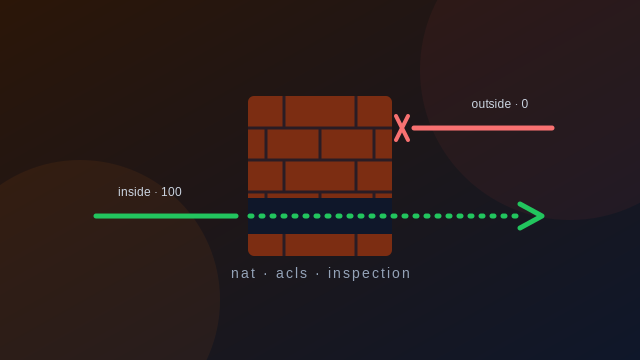 Before you open the network to the internetOptional warm-upFloating routes, the ASA’s security levels and NAT, the access point’s VLANs, DHCP snooping, NTP and SSH. About twenty-five minutes.
Out to the internet
ASA routes, object NAT, inspection
Guests want the internet too
Inserting lines with sequence numbers
Open for business
Static NAT and an outside access list
Two Wi-Fi networks
SSIDs, VLANs and bridge groups on the AP
A stranger on the network
DHCP snooping
Everyone on the same clock
NTP, and why logs need it
Pull the plug
Testing the floating route
The only way in
An SSH jump host, and SSH-only management