Official curated learning paths
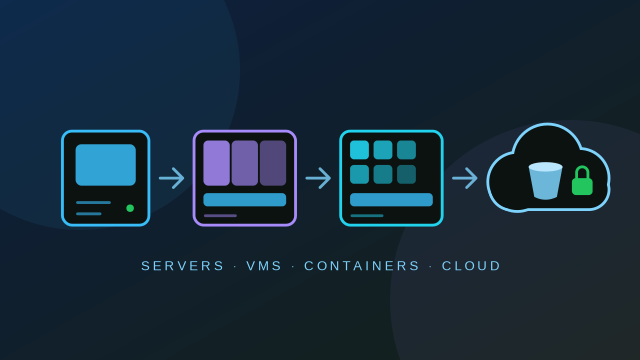
From one physical server to the cloud, one topic per room: hypervisors, how virtualization really works, storage and availability, containers, what makes a cloud, infrastructure as code, cloud storage and cloud security. Each room teaches as it asks, so it works as revision.
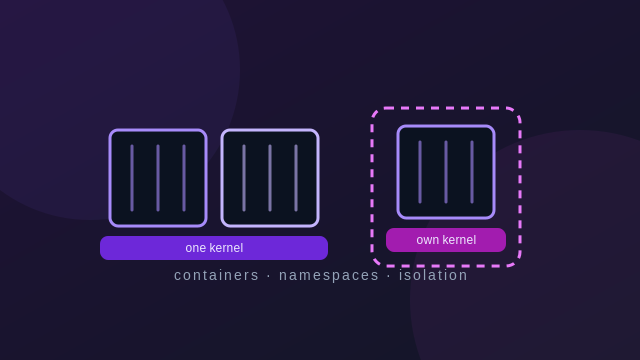
Compares containers with virtual machines (namespaces, control groups, layered images), then tests the claim that guests are isolated: hypervisor escapes, leaking hardware, hygiene failures, container escapes and microVMs. You will be able to judge how strong each boundary is. About 15 minutes.
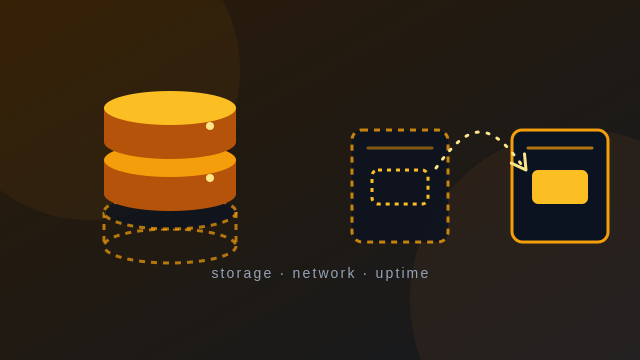
Looks at everything around the CPU: virtual disks and thin provisioning, virtual networks, device handling and the I/O MMU, clones and snapshots, then availability with clusters, fault tolerance and live migration. You will be able to choose a setup for a scenario. About 15 minutes.
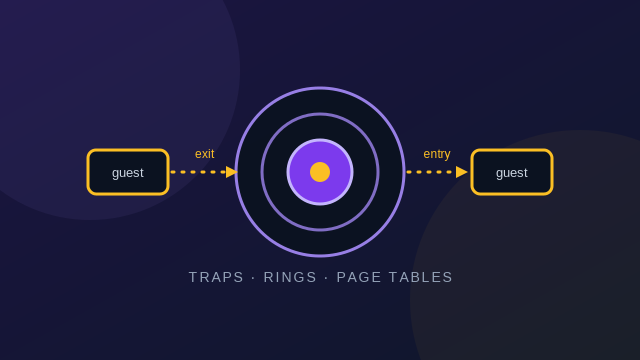
Opens up the hypervisor: why a guest cannot hold full privilege, the four CPU techniques, two-level memory translation, memory reclamation and virtual CPUs. You will be able to compare the techniques and predict their costs. About 14 minutes.
Starts from one application per server and shows why data centres virtualized. Covers what a virtual machine is, the three rules a hypervisor must meet, the costs of sharing hardware, and type 1 versus type 2. You will be able to explain, calculate and compare. About 14 minutes.