Official curated learning paths
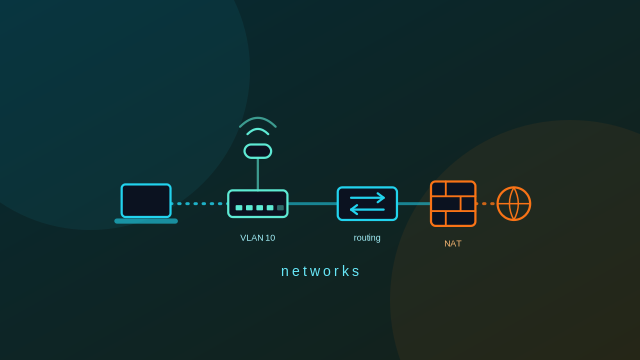
The rooms that go with the network labs: how a packet travels, then building an office network, taking it online through a firewall, and the wireless security around it. Play a warm-up before its lab, and the rest alongside it.
Meet every device in the Kestrel network and what it is for, then read short briefs and choose only the devices each one needs. The planning step before Build an office network. About 20 minutes.
The theory beyond the switches: how users prove who they are on Wi-Fi and VPN (802.1X, RADIUS, WPA3), how wireless networks are attacked and defended, and how phones, drives and logins are protected, from MDM and encrypted drives to passkeys and Pegasus. About 17 minutes.
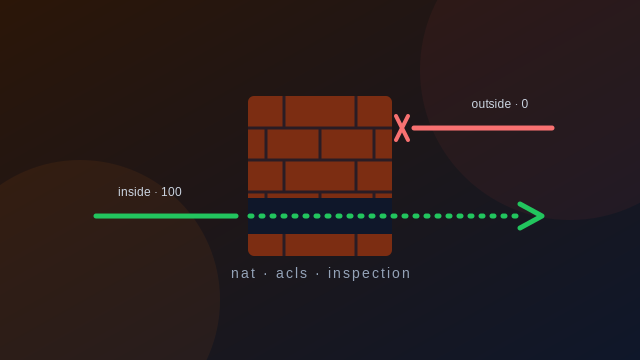
The warm-up for Firewall, NAT and Wi-Fi. Learn how an office reaches the internet safely: routed links and a backup route, the ASA and pfSense firewalls, NAT and publishing one server, Wi-Fi mapped to VLANs, DHCP snooping, synchronised logs and SSH. About 17 minutes.
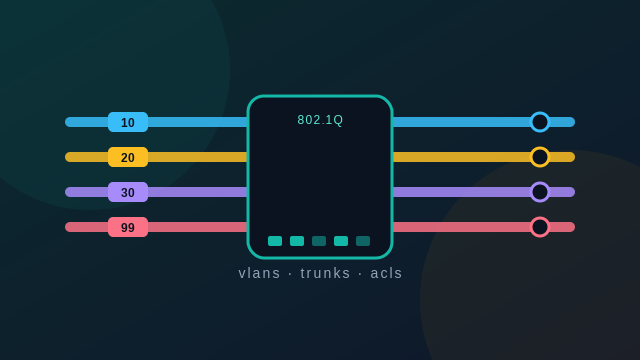
The warm-up for Build an office network. Learn what IOS is and how its modes work, why a company splits its network into VLANs, how trunks, VTP, routing, DHCP and access lists fit together, and how to read an ACL like the switch does. About 16 minutes.
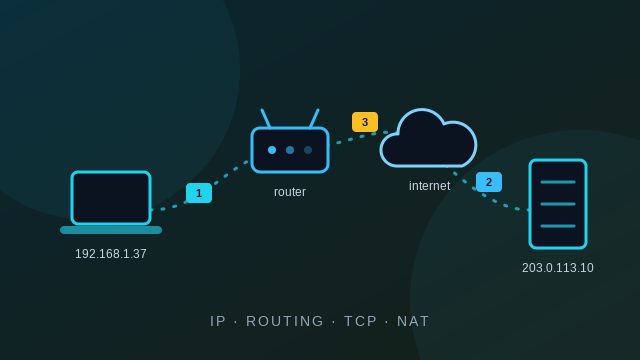
What Follow a packet builds on: why messages travel as packets, what an IP address is made of, what a router does, and counting in binary. About ten minutes.

What actually happens between typing a web address and reaching a server: the chain of DNS servers involved, and how caching keeps it fast. For anyone curious about the plumbing behind every web visit.